How to Add Internal Links That Boost Rankings | Module 4.1
Internal links guide visitors and strengthen SEO. Learn how to add them strategically to boost rankings and user experience.
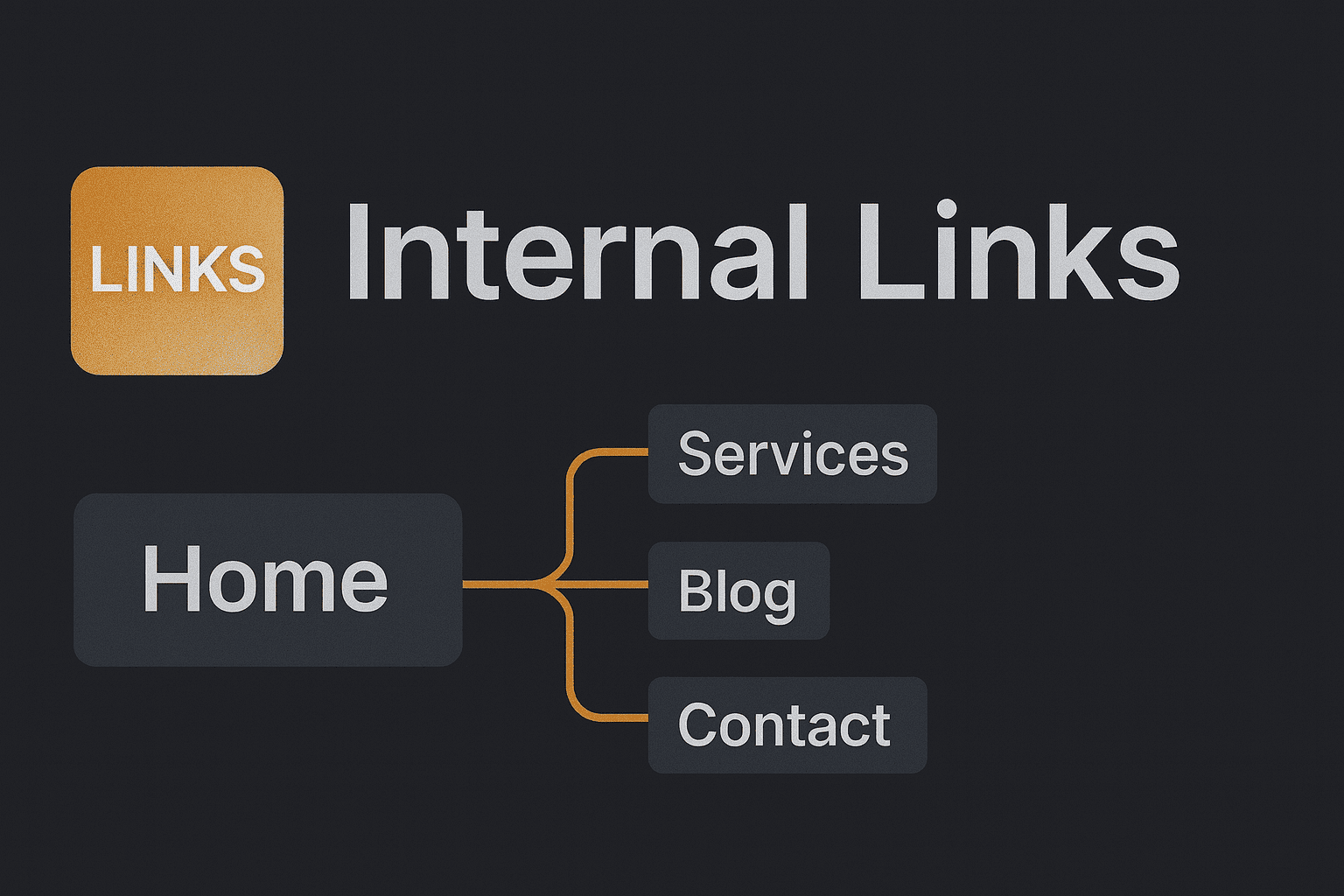
Internal links are simply links from one page on your site to another. They guide visitors, but they also help Google understand your site and spread ranking power across your pages. Done well, they can lift your visibility in search results. Here’s how to add them in a way that makes a real difference.
Step 1: Find Your Important Pages
Do this
Make a short list of your “money pages”—the ones you most want people to find. For most small sites, that’s your homepage, services, products, or key blog posts.
Check this worked
If you have 3–5 priority pages written down, you’re ready to go.
Why this matters
Internal links are strongest when they point traffic and ranking power to the pages that matter most.
Step 2: Add Links from Related Content
Do this
Go through your existing blog posts or service pages. Where it feels natural, add a link to one of your priority pages. Use descriptive anchor text (the clickable words), like:
✅ “See our web design services”
❌ “Click here”
Check this worked
Click the link. Does it take you to the right page, and does the anchor text describe what’s there?
Why this matters
Descriptive links help both visitors and search engines understand what they’ll get on the other side.
Step 3: Create Content Hubs
Do this
If you have several posts on the same topic, link them together. For example, a main “Email Marketing Guide” could link to smaller posts like “How to Write Subject Lines” or “Best Tools for Beginners.”
Check this worked
From the main guide, you can easily click through to all the related posts—and vice versa.
Why this matters
This builds topic authority. Google sees you as a trusted source on that subject, and readers get a smoother journey.
Step 4: Balance Your Links
Do this
Don’t overload one page with dozens of internal links. Add them naturally where they fit—usually 2–4 per blog post is plenty.
Check this worked
Read the page aloud. If the links feel natural in the flow of the text, you’ve struck the right balance.
Why this matters
Too many links can overwhelm visitors. The goal is to guide, not distract.
Step 5: Check for Broken or Outdated Links
Do this
Run a quick crawl with a tool like Screaming Frog or check in Google Search Console to find broken internal links.
Check this worked
Click a few at random to make sure they go to live, relevant pages.
Why this matters
Broken links frustrate users and waste ranking power. Keeping them tidy shows both Google and your visitors that your site is well maintained. Don’t stress if you can’t check every link—just keeping the main ones updated makes a big difference.
Step 6: Use Canonical URLS
When adding internal links, always point to the canonical version of a page (the clean, main URL you want Google to index). For example:
- ✅
https://yourdomain.com/services - ❌
https://yourdomain.com/services?ref=homepage
This avoids splitting ranking signals across duplicates and keeps your internal linking clean.
Step 7: Check your Orphan Pages
An orphan page is one that "isn’t linked to" from anywhere else on your site. Search engines may never discover it, and visitors can’t reach it.
- ✅ Make sure every important page has at least one internal link pointing to it.
- ✅ Add new posts to a category page, hub, or another related article.
Quick Win Summary
Adding internal links doesn’t take long, but it’s one of the fastest ways to strengthen your site’s SEO. By pointing to your key pages, using descriptive anchor text, linking related content, and keeping links clean and natural, you’ll boost rankings and make your site easier to explore.
Common Questions
What are internal links?
Internal links connect one page on your site to another page on the same domain. They guide visitors and help search engines crawl and understand your site.
How many internal links should I add per post?
Aim for 2–4 contextual internal links per post, added naturally where they help the reader.
Do internal links help rankings?
Yes. They distribute PageRank, reinforce topic relationships, and help important pages get discovered and crawled.
What anchor text should I use for internal links?
Use clear, descriptive anchor text that reflects the destination (e.g., “web design services”), not generic phrases like “click here.”
How often should I audit internal links?
Quarterly is a good cadence. Fix broken links, remove outdated ones, and point more links to your priority pages.