Quick Wins 3 Free Tools to Check if Google Can See You - Module 1.1 If your site isn’t in Google, customers won’t find you. These 3 free tools show you how to check indexing, fix issues fast, and stay visible.
Quick Wins Why My Website Is Not Showing on Google | Module 1.2 If you’re asking “why my website is not showing on Google”, you’re not alone. This Quick Win guide shows simple checks and fixes to get indexed fast—no dev needed.
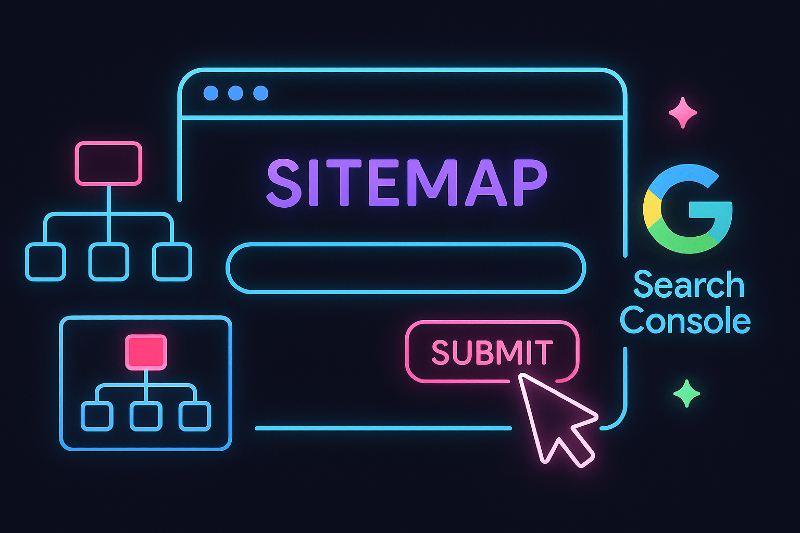
Quick Wins How to Submit a Sitemap in Google Search Console | Module 1.3 Submitting a sitemap in Google Search Console helps Google find your pages faster. This guide shows where to find your sitemap (WordPress/Shopify/Wix) and how to submit it—plus fixes for common errors.
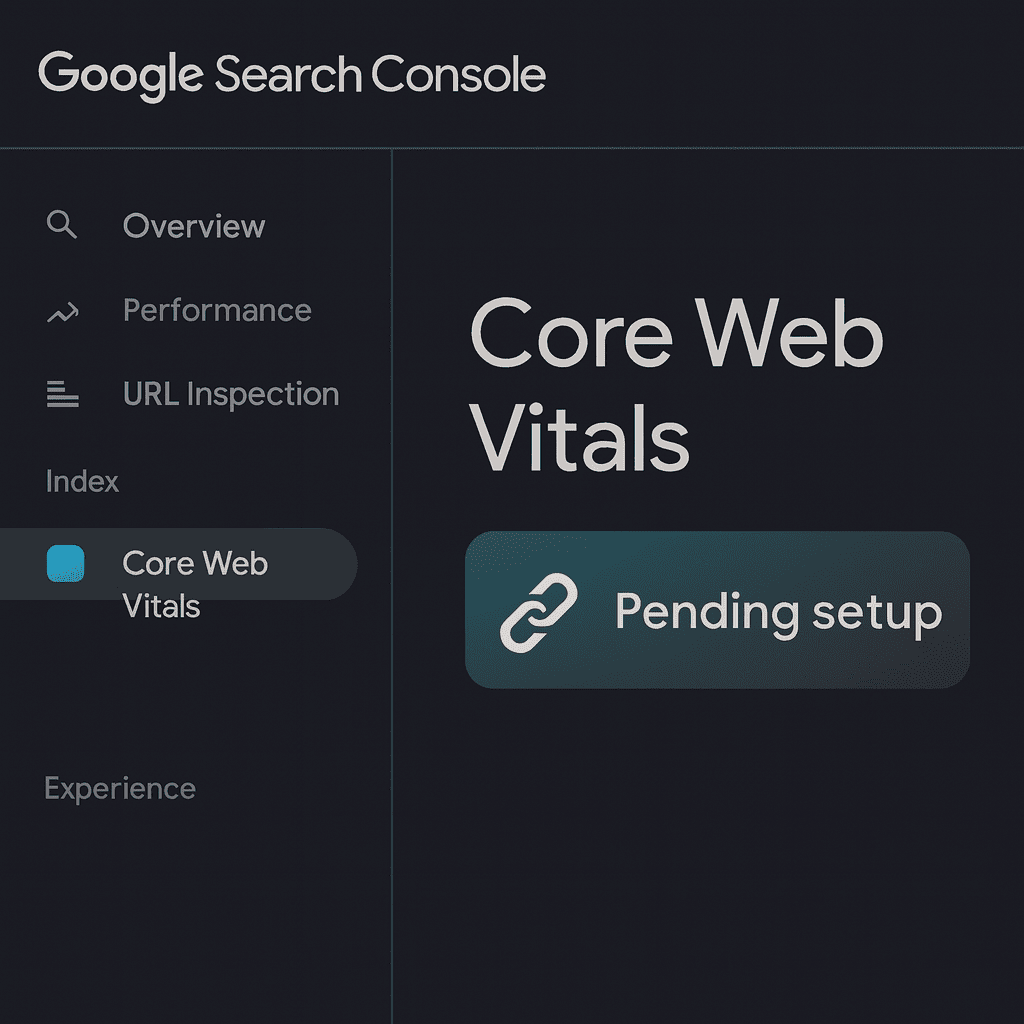
Quick Wins Add Your Website to Google Search Console | Module 1.4 Connect your site to Google’s free tool so you can see if Google is finding you.
Quick Wins What is a Canonical URL | Module 2.1 Learn what a canonical URL is, why it matters for small sites, and how to set it up to avoid duplicate content issues.
Quick Wins Site Structure for SEO: Why it Matters | Module 2.2 A flat site structure makes it easier for Google and users to navigate your site. Learn why it matters for SEO and how to fix common mistakes.
Quick Wins How To Write SEO Friendly Slugs | Module 2.3 Your page slug is a small detail with a big SEO impact. This guide shows small business owners how to write clear, keyword-friendly slugs that improve rankings, boost clicks, and make websites easier to navigate.
Quick Wins What is a CMS and How It Helps with SEO | Module 2.4 A CMS (Content Management System) is the platform you use to build and manage your website. Here's how it helps with SEO in plain English.
Quick Wins Beginner’s Guide to Using SEO Minion | Module 3.1 Free SEO tools can save small businesses serious money. SEO Minion is a free Chrome/Firefox extension that makes on-page checks fast and visual. Here’s how to install it and use its best features—step by step.
Check Search Intent for Keywords | Module 3.2 Search intent is the key to ranking content. In this 5-minute process, you’ll learn how to spot intent with Google, SERP features, and free tools—so you can match your blogs, service pages, or product listings to what people really want.
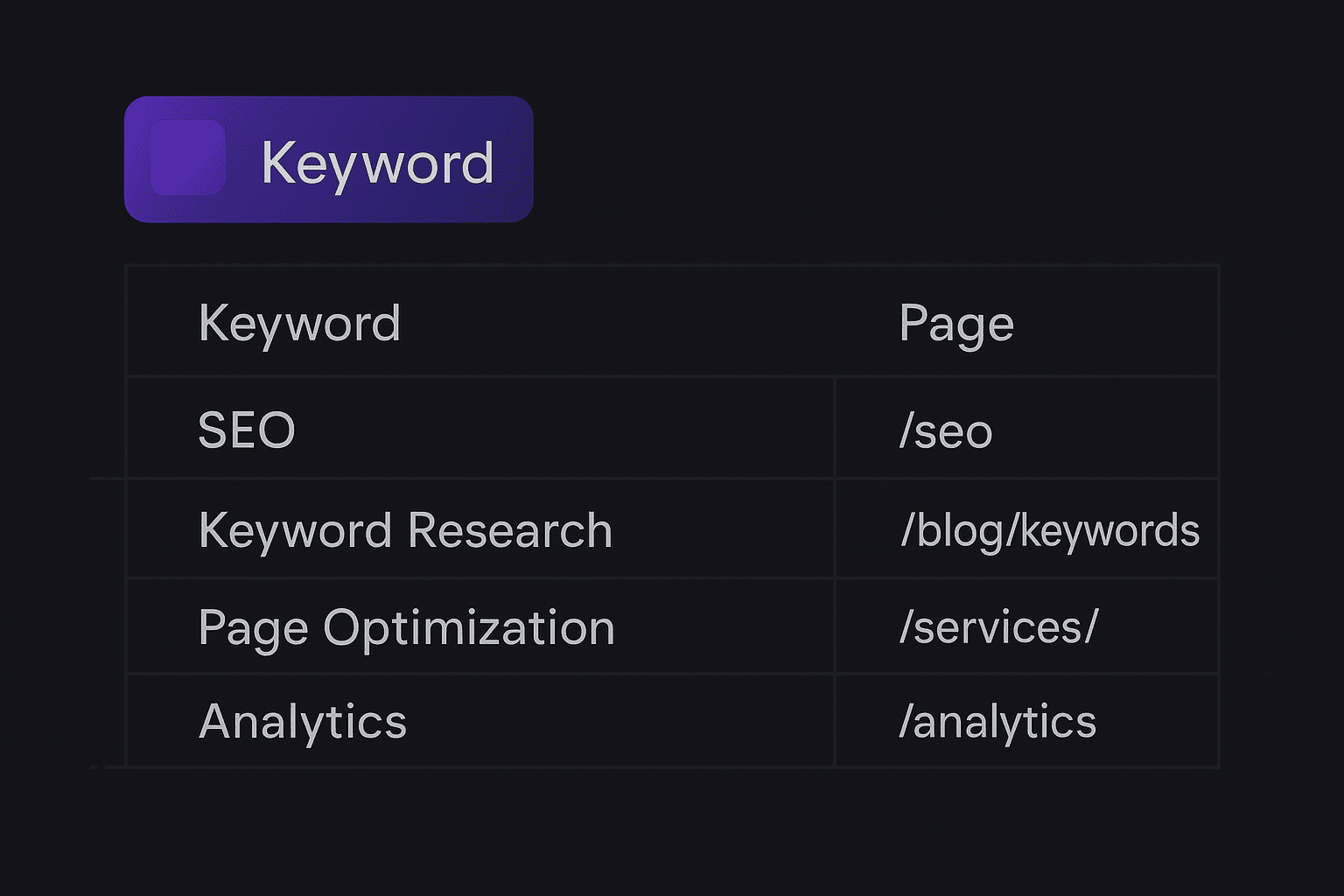
How To Build Keyword Map In Google Sheets | Module 3.3 Learn how to group and assign keywords to each page on your site so you know what content to create next.
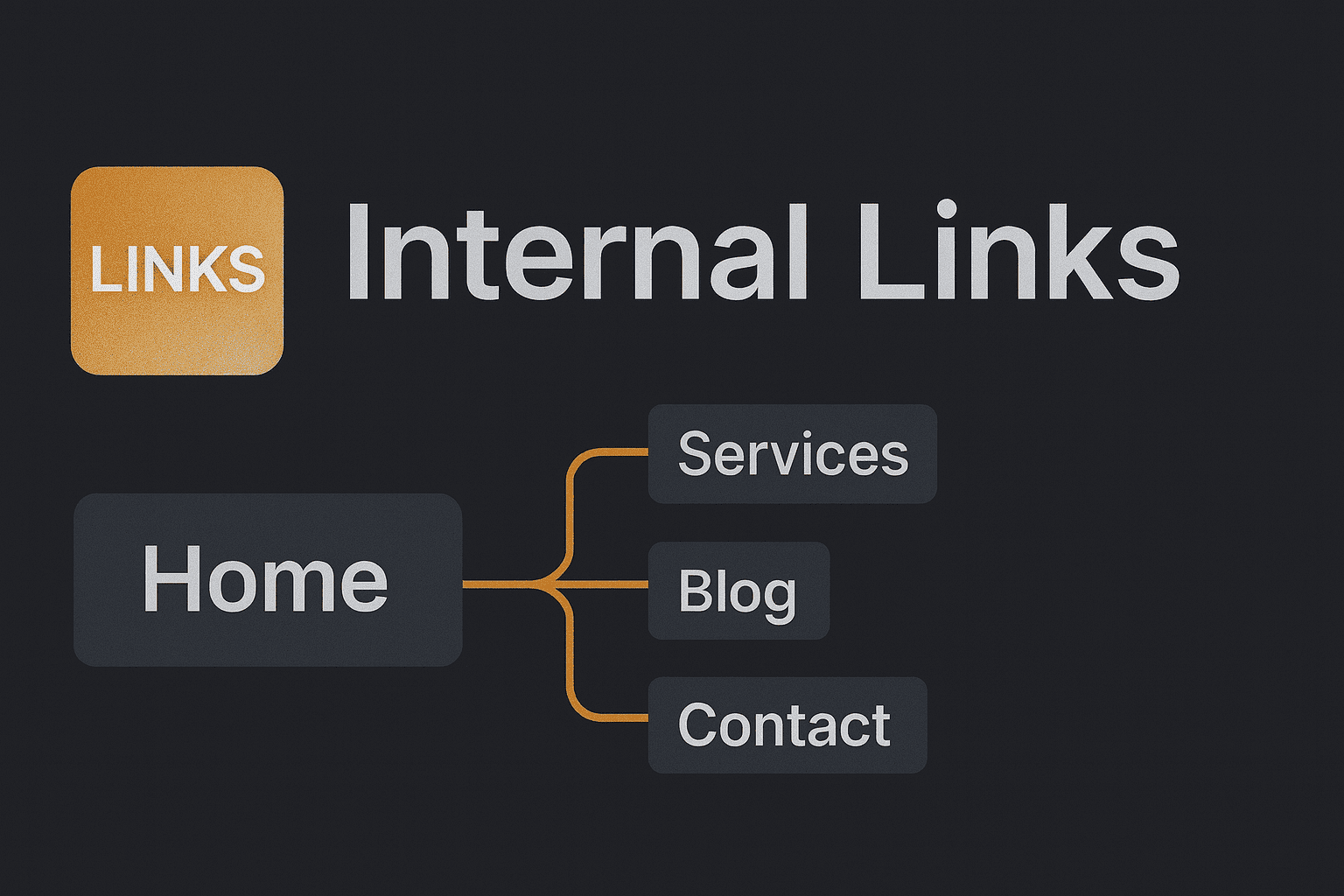
How to Add Internal Links That Boost Rankings | Module 4.1 Internal links guide visitors and strengthen SEO. Learn how to add them strategically to boost rankings and user experience.